Choose a template. Add the details. Get the video
Business owners browse promotional templates relevant to their industry, select one, and customize text, images, and music through a roughly two-minute guided flow.
The work behind the simple flow
Internal admins prepare and publish template revisions. The customer only works with a finished, validated template; the production system handles the configured image and rendering work.
Start with the image you have
The app can prepare a product shot for the chosen template: background removal, perspective correction when a different viewing angle is needed, and studio-style colour enhancement.
Build one piece from a set of photographs
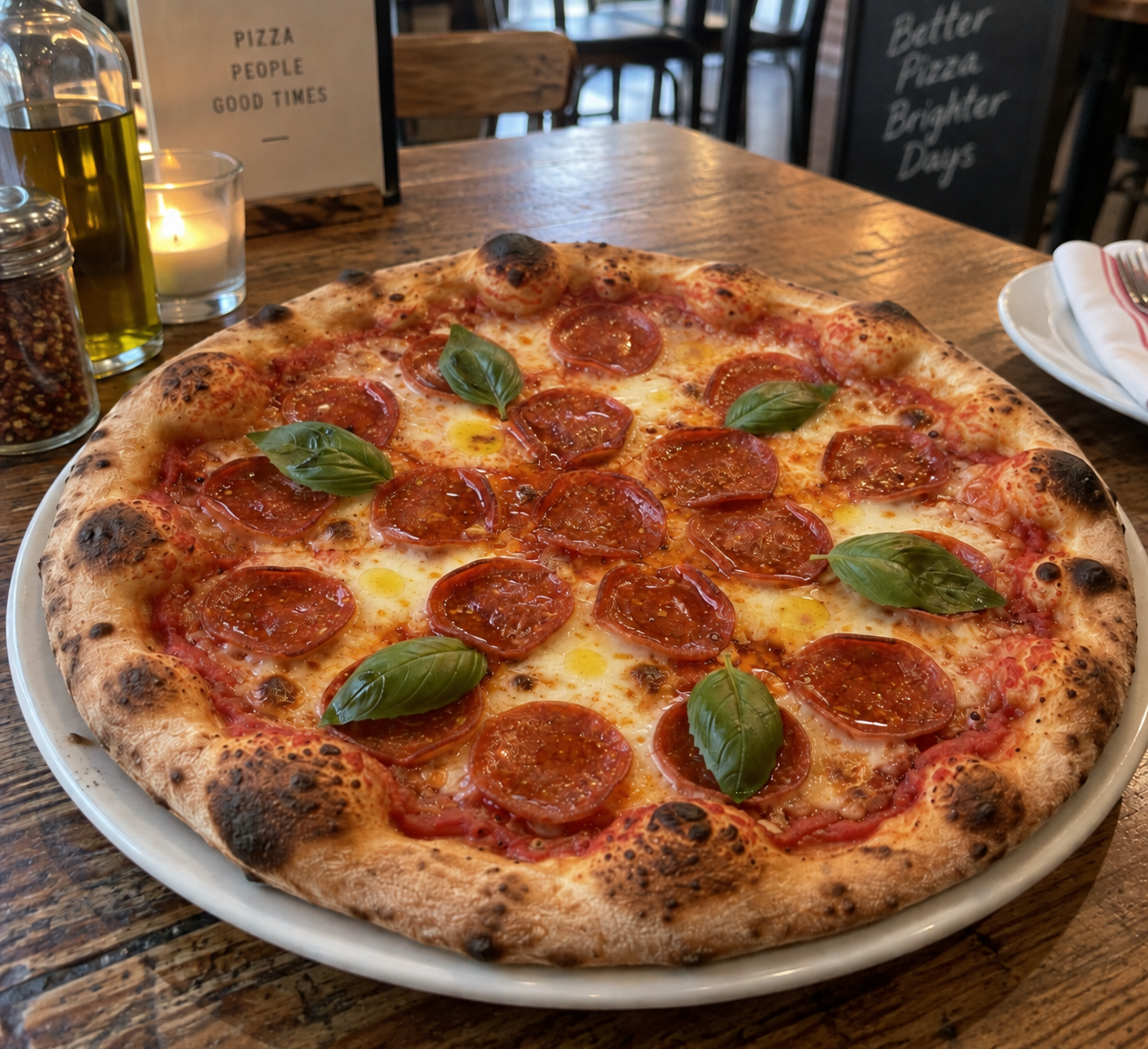
The system can compose a selected template from multiple source images rather than a single hero shot.
One production flow, many industries
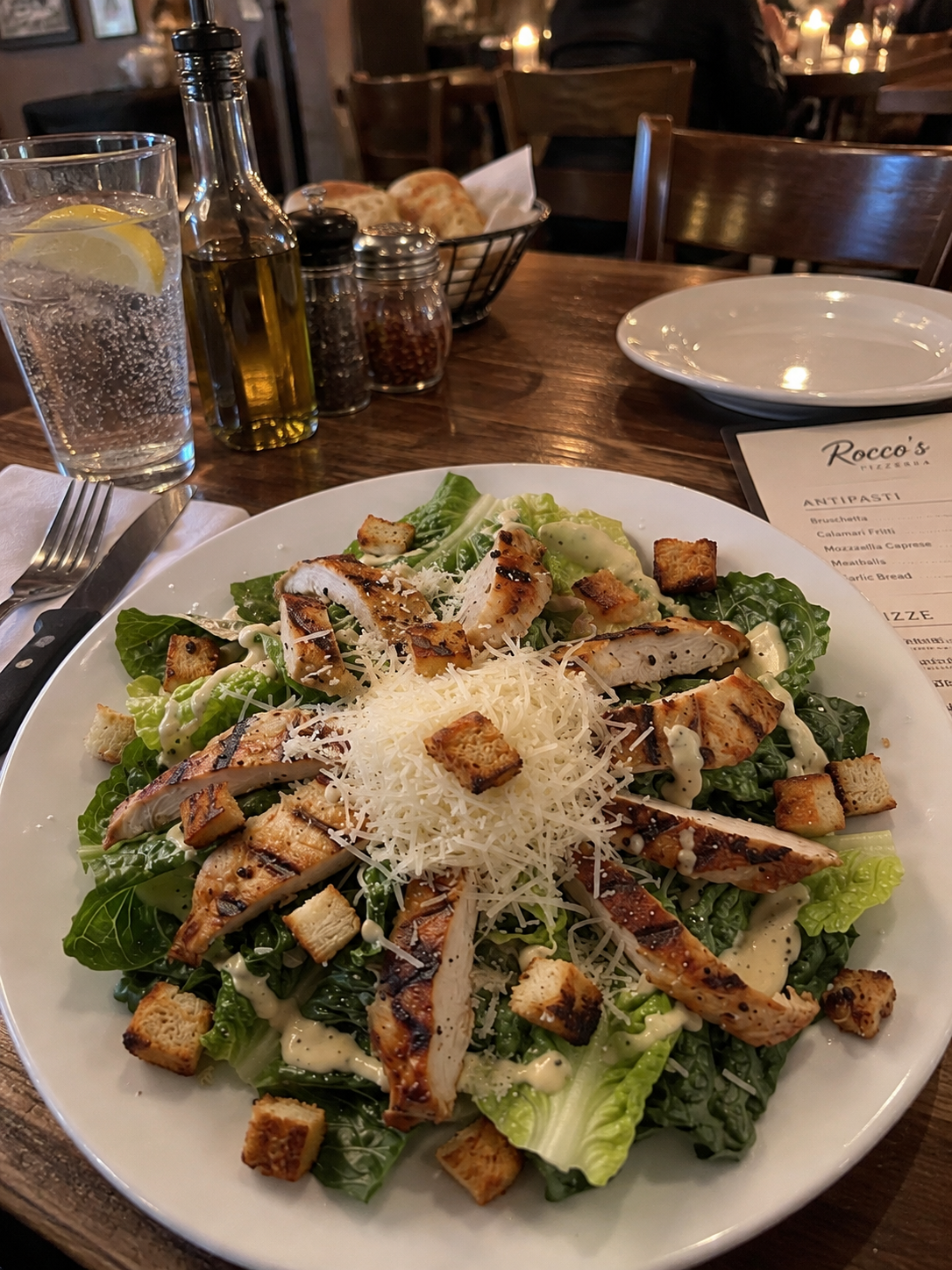
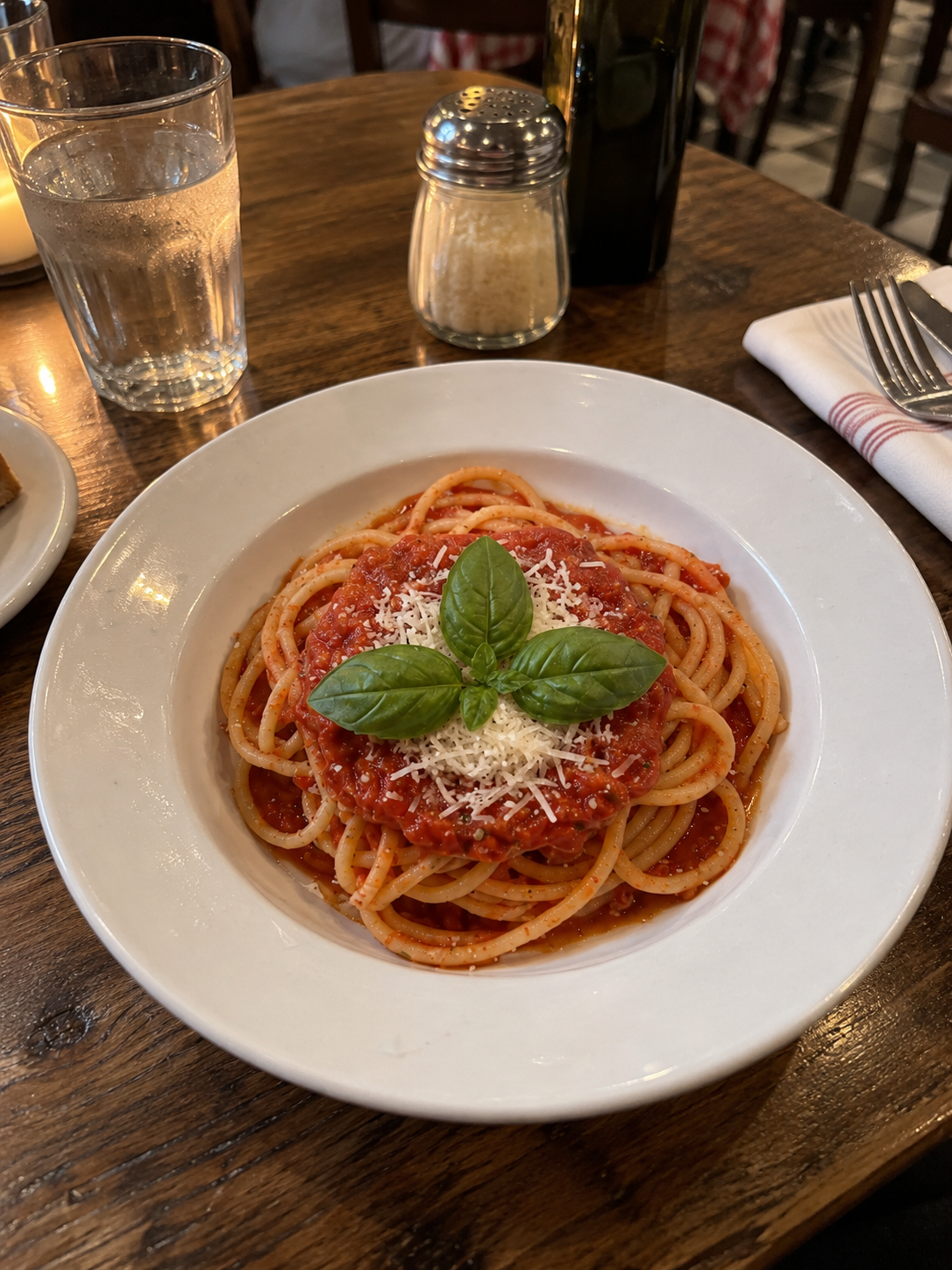
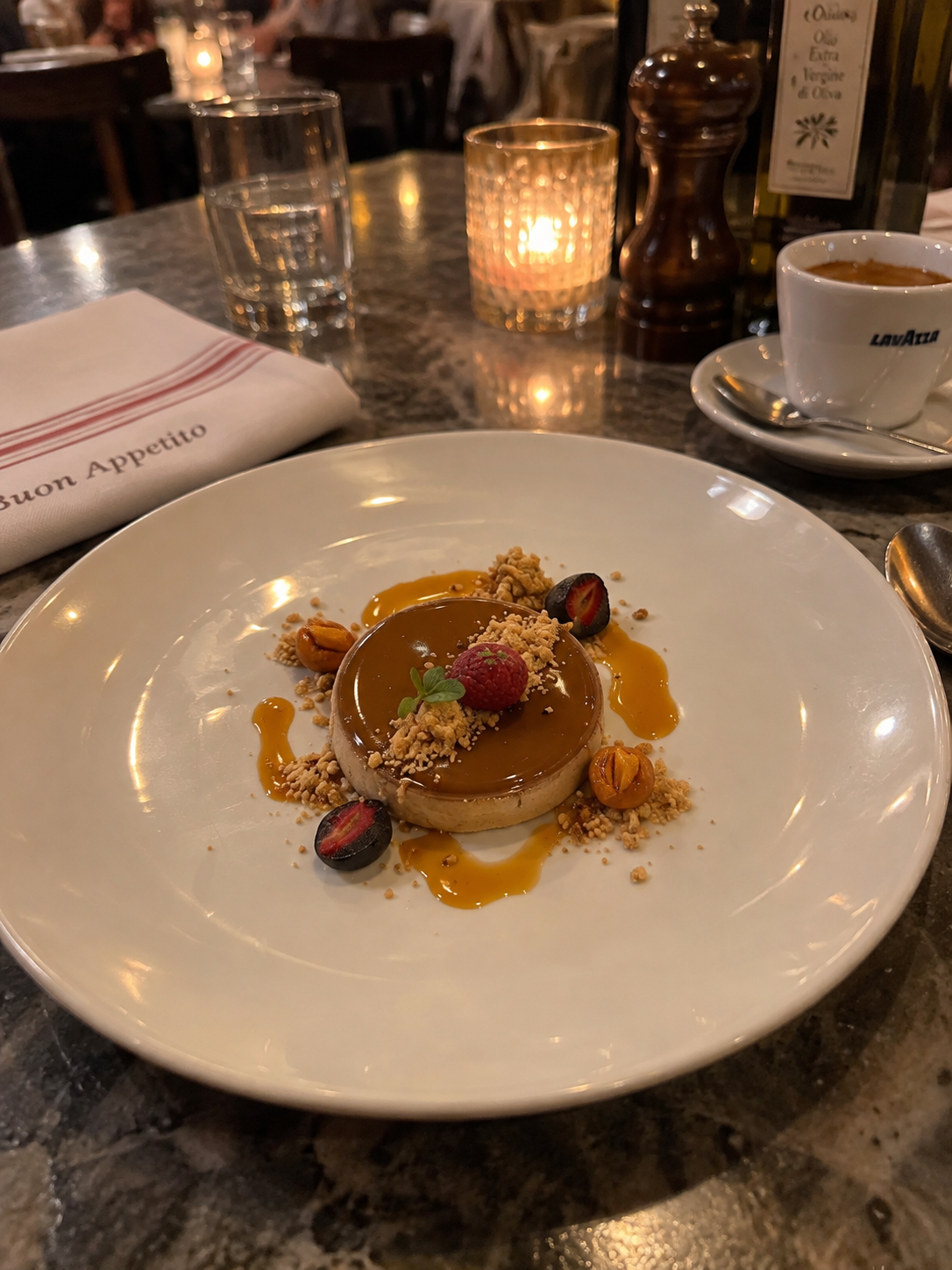
Food, hospitality, retail, and services can each use their own template while keeping the same guided editing and rendering flow.
Rendering stays behind the scenes
Authenticated workers advertise available capacity and pick up the next render job, so each request moves from submitted form to finished video without exposing the production complexity.
Models become useful when the workflow makes them repeatable.
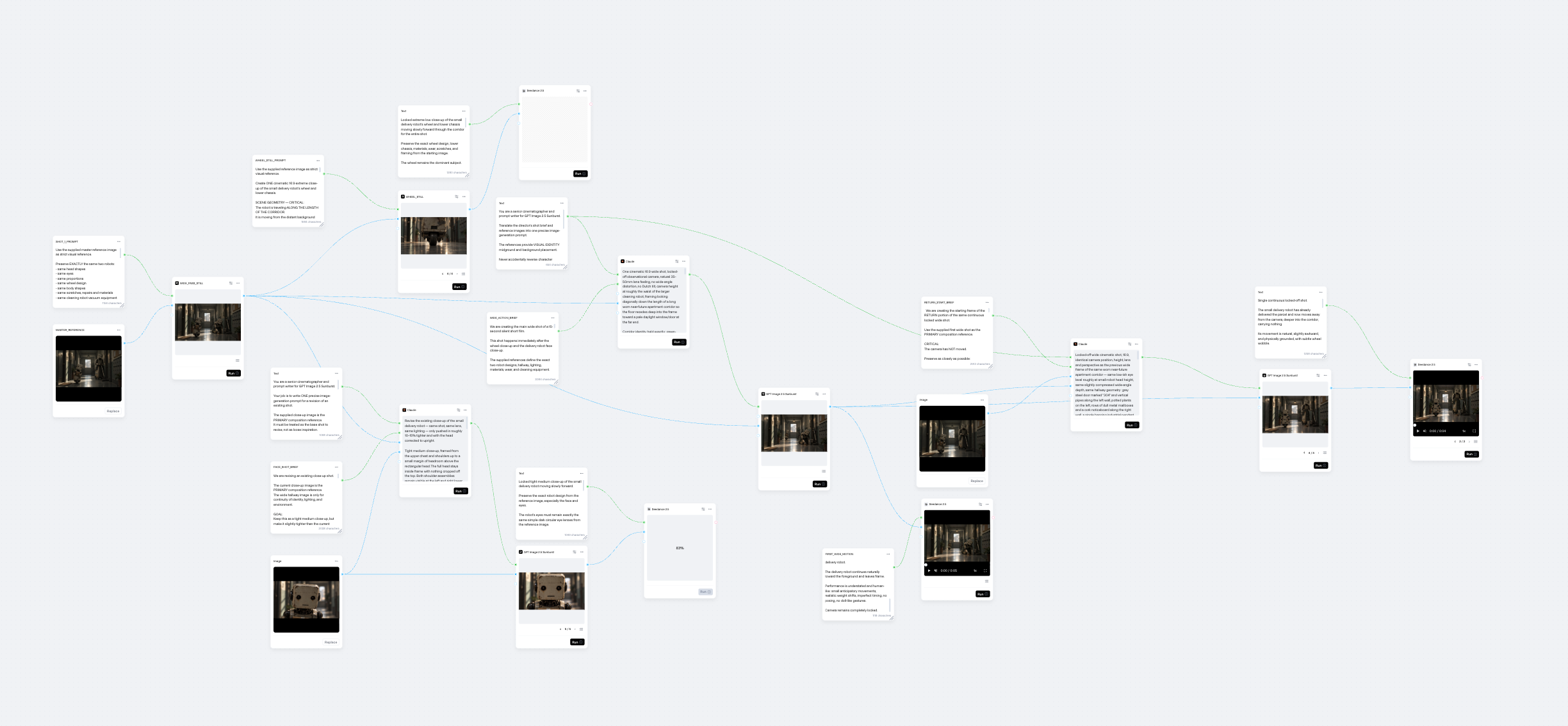
Generative video can help turn an idea into motion, but a single prompt is not a production method. I use a workflow that keeps the intent, inputs, generation steps, and selected output connected.
Each stage has a clear job: prepare the source, run the model, inspect the result, and carry forward only what meets the brief. That makes consistency easier to improve because a new attempt can be compared with the previous one instead of recreated from memory.
The model stays flexible while the surrounding workflow supplies structure. The goal is a usable result that can be produced again, with the decisions and changes still visible.